


Posted by Aventis Systems on Jul 20th 2026
Quick SummaryNeglected hardware rarely fails without warning. Dust, loose cables, outdated firmware, and ignored battery wear quietly chip away at performance long before a device stops working. Simple, consistent habits like cleaning, updating, and monitoring keep desktops, laptops, and servers running well past when replacement seems necessary. A basic maintenance schedule and a habit of logging checks prevent most downtime before it starts. |
Keeping equipment in good shape isn't glamorous work, but it pays off in ways that show up every day. Slow boot times, overheating towers, and unexpected crashes usually trace back to one thing: neglected upkeep.
At Aventis Systems, we work with businesses across every industry, and one pattern keeps showing up. Companies that treat IT hardware maintenance as an ongoing habit deal with fewer surprises than those who wait until something breaks.
This guide walks through practical steps any team can use to keep their equipment reliable, whether you manage a handful of laptops or a full server room.
Why IT Hardware Maintenance Should Be Part of Your Routine
Equipment doesn't fail without warning signs. Dust builds up inside fans, storage drives fill past a healthy threshold, and software updates get pushed off for months. None of these issues cause immediate problems on their own, but stacked together, they wear down performance over time.
Teams often assume replacing hardware is the only fix when things slow down. In reality, a good portion of performance issues trace back to basic neglect rather than outdated parts. A desktop that's three years old can run just as well as a new one if it's been cared for properly. Our desktop lineup is constantly asked about by clients looking to upgrade, and we often find the older setup just needs some attention, not a replacement.
Signs Your Equipment Needs Attention
It helps to know what to look for before a small issue turns into downtime. Watch for these patterns:
- Unusual noise: grinding, clicking, or loud fan spin usually points to a mechanical problem
- Overheating: devices that feel hot to the touch or shut down randomly under load
- Slow startup: boot times that stretch past a minute or two, especially without new software installed
- Frequent freezing: applications locking up during routine tasks
- Storage warnings: notifications about low disk space or failing drives
None of these should be ignored. Catching them early usually means a quick fix instead of a full replacement.
Simple Habits That Keep Systems Running
Maintenance doesn't need to be complicated. A few consistent habits go a long way:
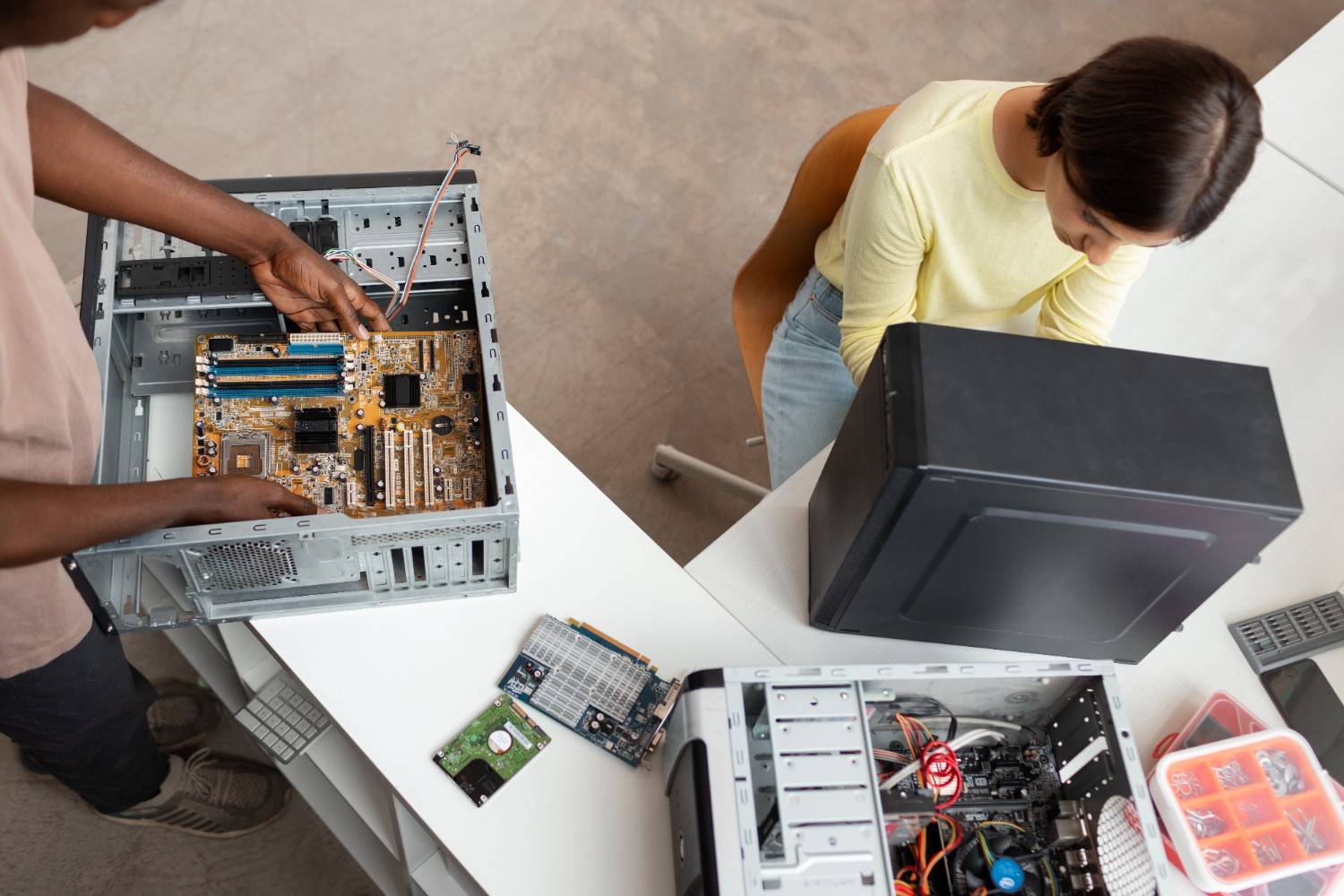
- Clean the interior: dust out fans and vents every few months, especially in dusty office environments
- Check cable connections: loose cables cause more issues than people expect
- Update firmware and drivers: outdated versions can slow down hardware or create compatibility problems
- Back up data regularly: automated backups reduce the damage from a sudden failure
- Monitor battery health: laptops especially benefit from periodic checks, since battery wear affects overall performance
Laptops need a slightly different approach than desktops because they travel and take more physical wear. Our laptop collection includes models built for different use cases, and even the toughest ones benefit from regular checkups.
Building a Maintenance Routine That Works
The teams who avoid unplanned downtime usually have a schedule, even a loose one. Monthly checks for dust and cable connections, quarterly reviews of software updates, and yearly assessments of aging equipment cover most of the bases.
Server components, in particular, need closer attention since they run continuously and pose greater risk when something goes wrong. Documenting what gets checked and when also helps. It's easy to lose track of maintenance history across a growing fleet of devices, and a simple log helps prevent things from slipping through the cracks.
Keeping Your Systems Reliable Over Time
Equipment doesn't need to be perfect to perform well. It needs consistent attention. Small habits like cleaning, updating, and monitoring add up to fewer breakdowns and longer equipment life. Skipping these steps tends to catch up eventually, usually at the worst possible time.
Reach out to Aventis Systems if your team is dealing with aging hardware or just wants a second opinion on what needs attention.
FAQs
How often should IT hardware maintenance happen?
Monthly checks for dust and cable connections work well for most setups. Firmware and software updates deserve a quarterly review, while aging equipment should get a full assessment once a year.
What are the early signs that equipment needs maintenance?
Grinding or clicking noises, overheating, slow boot times, and random freezing are common indicators. Storage warnings about low disk space or drive errors also point to problems worth addressing early.
Do laptops need different maintenance than desktops?
Yes. Laptops travel and face more physical wear, so battery health checks and careful handling matter more. Desktops stay in one place but still need regular dusting and cable checks.