


Posted by Aventis Systems on Jan 4th 2026
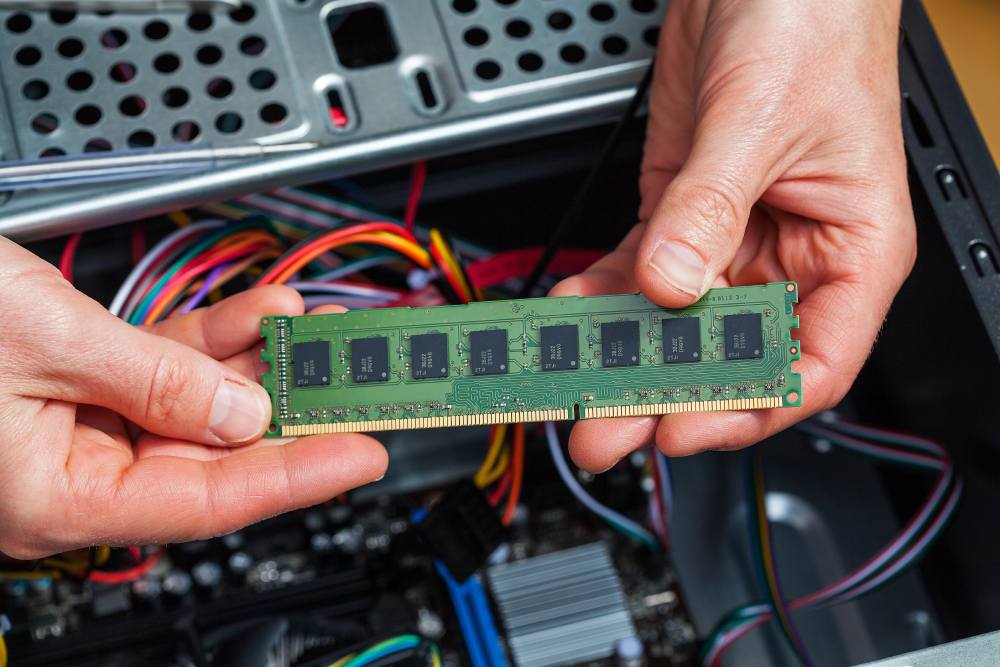
If you’re asking “How much RAM do I need for office work?”, it helps to understand how memory affects daily tasks. RAM acts as short-term memory that helps programs run smoothly. If your system has too little memory, even simple actions like opening a browser tab or switching between documents can slow down. Office work often includes multitasking, data entry, video calls, email, and specialized software, so selecting the right amount of RAM helps keep your workflow efficient. In this guide, we explain how RAM impacts performance and how to choose the right amount for your daily responsibilities.
What RAM Does For an Office Computer
RAM stores information that the processor needs to access instantly. When you open an application, load a spreadsheet, run a browser with multiple tabs, or join a meeting, RAM supplies the quick access required for these actions. Without enough memory, your computer begins to rely on the storage drive for temporary data, which slows performance and interrupts your workflow.
Office environments rely heavily on fast transitions between tasks. When you switch from email to a presentation, then move into a video meeting, each of these actions depends on available RAM. A higher memory capacity allows your computer to keep more data active at once, reducing lag and helping you work without interruption.
Minimum and Recommended RAM for Office Tasks
Basic office work, such as word processing or email, can function on lower memory, but modern tools place greater demands on systems. Web based software, cloud services, video meetings, and shared digital documents use more memory with each update. For this reason, systems with only minimal RAM often struggle during busy days.
Many office applications operate well with 8 GB of RAM, but 16 GB offers a smoother and more responsive experience. This amount supports multitasking, browser activity with numerous tabs, and common platforms used for communication. As workflows evolve and software grows more complex, having a higher memory capacity helps maintain long-term performance without the need for immediate upgrades.
How Workload Types Influence Memory Needs
Different industries require different memory levels. Administrative tasks place moderate demands on RAM, while roles involving large spreadsheets, database connections, or constant multitasking may need more. Design tools and analytical software use even more memory, and these users benefit from higher capacities to maintain speed during intensive tasks.
Video calls and collaboration platforms also raise memory usage. Running these tools alongside email and browsers can exhaust memory quickly on lower end systems. A larger RAM configuration allows multiple apps to run at the same time without slowing down the system, making the workday smoother and more efficient.
The Impact of Browser Usage on RAM Requirements
Modern browsers are some of the most memory hungry tools in an office environment. Each tab acts as its own process, and many websites include scripts that increase memory use. Opening project management dashboards, accounting portals, communication platforms, or research pages all add to your system’s workload.
If your job requires dozens of tabs or working across multiple browser windows, additional RAM helps maintain stability. A system with limited memory may freeze or slow down during heavy browsing, while a system with more RAM can keep these tasks active without disruption. Understanding your browsing habits is an important part of determining how much RAM will support your workday.
The Role of RAM Speed and Modern Memory Standards
Beyond capacity, the speed of RAM also influences performance. Faster memory allows your processor to receive data more quickly, reducing delays in multitasking or in applications that rely on rapid data access. Modern systems often use DDR4 or DDR5 memory, which perform at significantly higher speeds than older standards.
For office work, memory speed supports smoother use of cloud based software, file transfers, and productivity applications. While capacity determines how many tasks you can run at once, speed helps those tasks feel more responsive. A balanced approach that includes both sufficient capacity and modern memory standards offers the best performance for daily tasks.
How RAM Affects the Lifespan of Office Computers
Choosing the right amount of RAM not only improves day to day performance but also extends the practical lifespan of a computer. Systems with low memory become outdated faster as software requirements increase. Investing in more RAM from the start allows your computer to continue handling updates, new tools, and higher demands for several years.
Upgrading RAM is often one of the easiest and most cost effective ways to improve system performance. It enhances speed without replacing the entire machine and supports your office operations more efficiently. Thoughtful planning now can prevent future slowdown and reduce interruptions to your team’s productivity.
Selecting the Right Computer With the RAM You Need
When deciding how much RAM to choose, consider both your current workload and how you expect your tasks to grow. Many office users find that 16 GB offers the best experience for long term use. It supports multitasking, communication platforms, browser heavy activity, and modern office software without strain.
If you are preparing to upgrade your workstation, our selection of business desktops makes this process easier. You can explore options that support different workloads and memory configurations through our desktop systems. These systems help your office run efficiently and give your team the support needed for demanding tasks.
If you are unsure how much RAM you need for office work, our team at Aventis Systems can guide you through the decision process. Reach out to us to learn more.